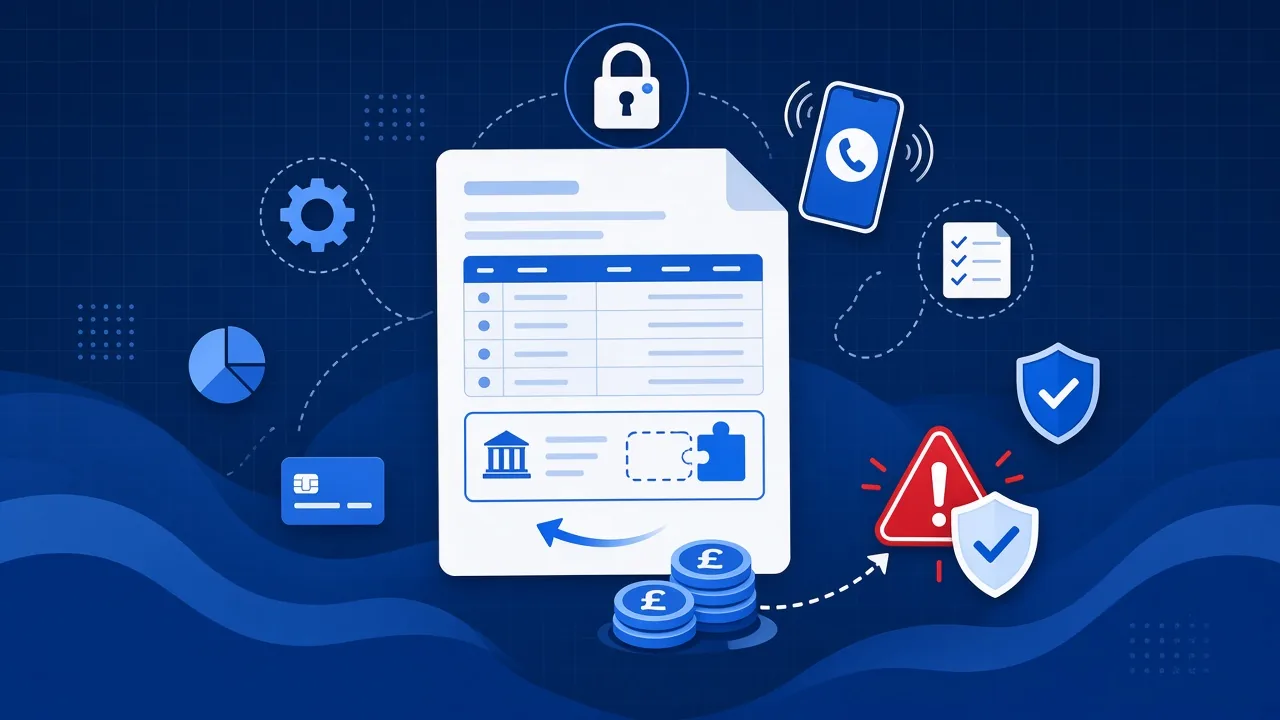
Your team could expose client data without ever clicking a phishing email. All it takes is pasting it into the wrong AI tool.
There is usually no bad intent. Someone uses an app they already know from home. Nobody has given them an approved alternative, or explained what is safe to upload and what is not. They get their answer, close the tab, and carry on. You may never know it happened.
That quiet gap is what people call Shadow AI. For businesses in Hull and East Yorkshire handling client information, it is a real risk.
The worry is widespread rather than niche. Small business use of AI rose from 20% in 2023 to 55%, and 92% now say they worry about the risks, with inaccurate responses (54%) and security (39%) top of the list (Federation of Small Businesses, June 2026).
What Shadow AI actually looks like
It is not a dramatic hack. It is everyday workarounds:
- Dropping a client spreadsheet into a free chatbot to clean it up
- Pasting email threads into an AI summariser
- Using a consumer AI app on a personal phone to rewrite a proposal
- Letting an unapproved meeting bot join a Teams call and record it
None of that needs a malware click. The data leaves because somebody was trying to get the job done faster.
Why it matters
Public AI tools often use what you type to improve their models, unless you are on a properly contracted business plan with the right settings. Once client names, contracts, passwords or bank details are in that prompt, you have lost control of where that information sits.
That can mean a breach of client confidentiality or contract, UK GDPR problems if personal data was involved, harder conversations with your insurer or your Cyber Essentials assessor if you cannot show you control which tools are in use, and trust damage that is difficult to repair.
What good looks like
You do not need to ban AI. You need clear rules and a short list of approved tools.
- Write an AI acceptable use policy that staff will actually read
- Approve specific tools, Microsoft Copilot inside your own tenant for example, and say plainly what is not allowed
- Classify your data before anyone pastes it anywhere: public, internal, restricted
- Make it easy to report a mistake, because the alternative is people hiding them
- Train briefly, so people understand that AI is a junior assistant and not a safe vault
A free template to start with
We have written a free AI acceptable use policy template for smaller UK businesses. It covers approved tools, what staff can and cannot paste, and how to report a mistake quickly.
Or find out where you actually stand
If you are not sure how much AI is already being used in your business, the free AI risk check is the quickest way to find out. It takes a few minutes and you get a straight answer rather than a sales call.
If you want a proper look
If you would rather we reviewed how AI is actually being used across your team, that is part of staff training and human risk management. Or just give us a call and ask.