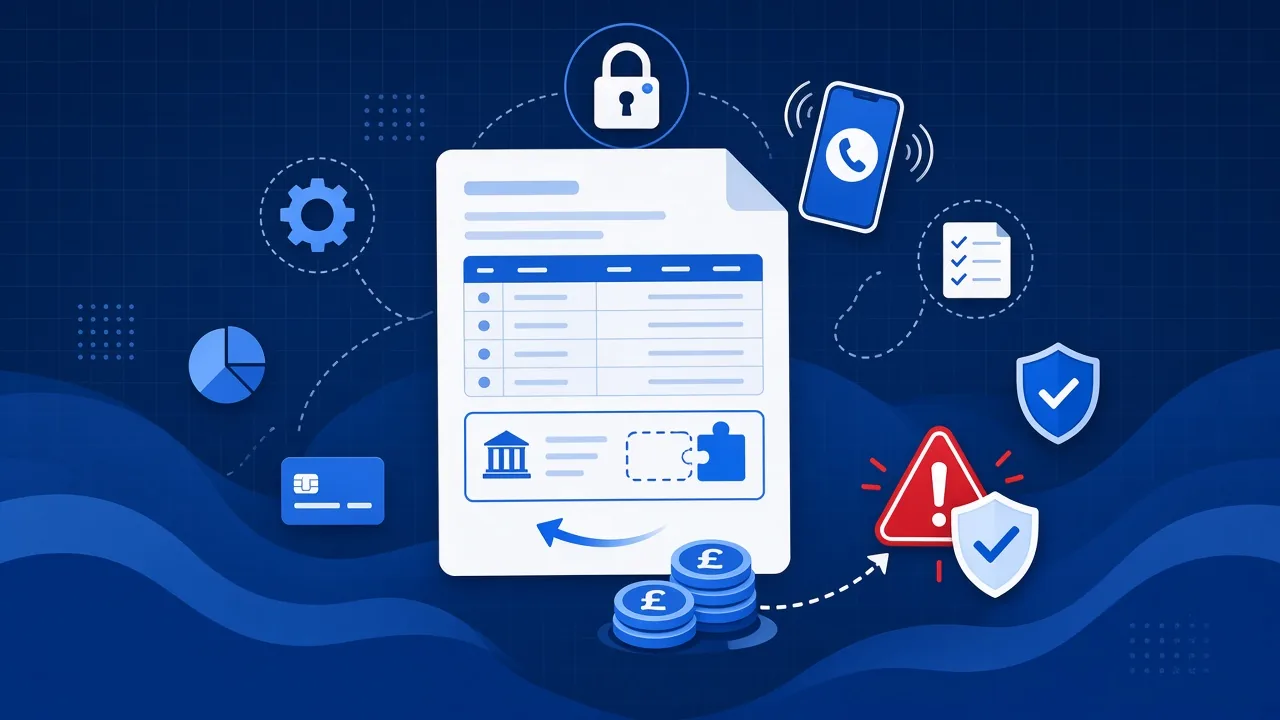
Cyber Essentials comes up for most businesses in one of two ways. A customer asks for it as part of a tender, or an insurer asks a question that makes everyone realise nobody knows the answer.
Either way, the first thing worth knowing is that it is not a technical exam. It is five controls, and most of them are things that should already be true.
Here is what each one means when you translate it out of scheme language.
1. Firewalls
The scheme wants to know that there is a boundary between your network and the internet, that it is configured deliberately, and that nothing is exposed to the outside world that does not need to be.
In practice the questions people struggle with are about the default administrator password on the firewall or router, and about whether anyone has reviewed the rules since the thing was installed. Remote access ports left open to the whole internet are a common finding.
2. Secure configuration
This one is about devices being set up on purpose rather than however they arrived.
Default passwords changed. Software you do not use removed. Accounts that came with the machine disabled. Auto-run switched off. Where a device is used to access business data, it needs a password or PIN, and screens need to lock.
This is the control where most small businesses have gaps, because it is the one that depends on how the first laptop was built three years ago and then copied.
3. User access control
Everybody has their own account. Nobody shares a login. Administrator rights are given only to people who need them, and administrator accounts are used only for administrative work, not for reading email.
Then the part everybody knows and few businesses do consistently: accounts are disabled promptly when somebody leaves.
If you want one thing to check this week, check that. Leavers still able to sign in is one of the most common findings in any assessment, and it costs nothing to fix.
4. Malware protection
Every device is protected, the protection is up to date, and somebody looks at the alerts.
The third part is the one that gets missed. Protection that nobody is monitoring will keep telling an empty room about a problem. Managed protection means the alert reaches a person who acts on it.
5. Security update management
Everything is supported by its manufacturer and everything is patched, with important security updates applied within a defined period.
This is where unsupported software becomes a hard stop. An operating system past its end of support date cannot be patched, so it cannot pass. That usually means replacing or upgrading it before certification is possible, which is worth knowing early rather than a week before a tender deadline.
Where people actually fail
In our experience the questionnaire itself is rarely the problem. The problems are found beforehand, and they are nearly always one of four things: unsupported software still in use, administrator rights handed out widely, leavers still enabled, or multi-factor authentication not applied to cloud services.
All four are fixable. None of them are quick to fix the night before.
Cyber Essentials or Cyber Essentials Plus
Cyber Essentials is a self-assessment that is reviewed and verified. Cyber Essentials Plus adds a technical audit by an assessor, including testing a sample of your devices.
Most businesses need the first one. Go for Plus when a contract asks for it by name, and give yourself more time.
Where to start
Start with a readiness check rather than the questionnaire. You want to find the failures while you still have room to fix them, and you want an honest list of what it will take.
We run readiness checks against the five controls, fix what fails at a fixed price and handle the submission. You can read more about how that works.